Make a list. Share it.
You're both on it.
A shared to-do list for you and a person or two, where everyone sees the same tasks and keeps them current. Groceries, chores, the trip you're planning.
Free while it's in preview. No card, no setup.
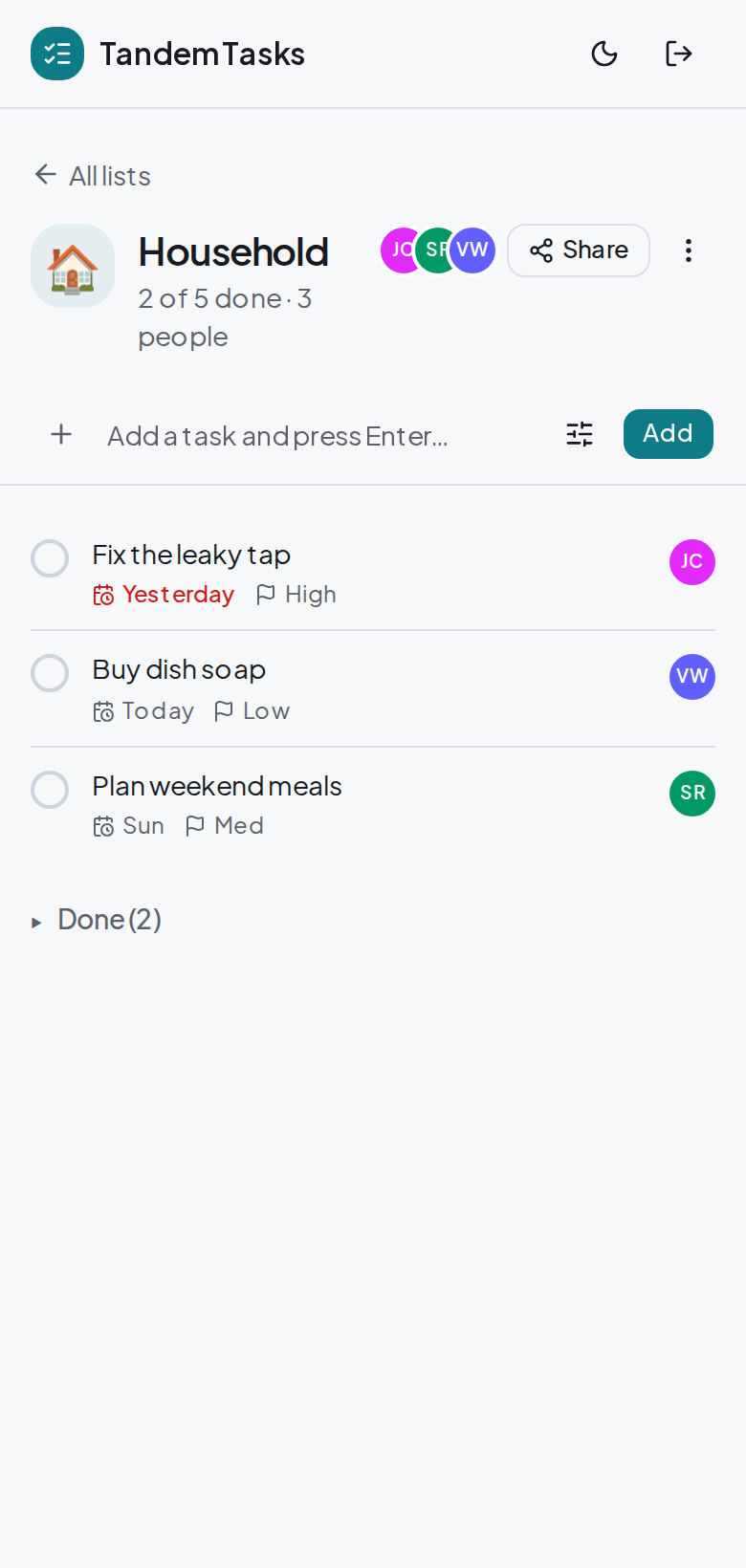
The whole point
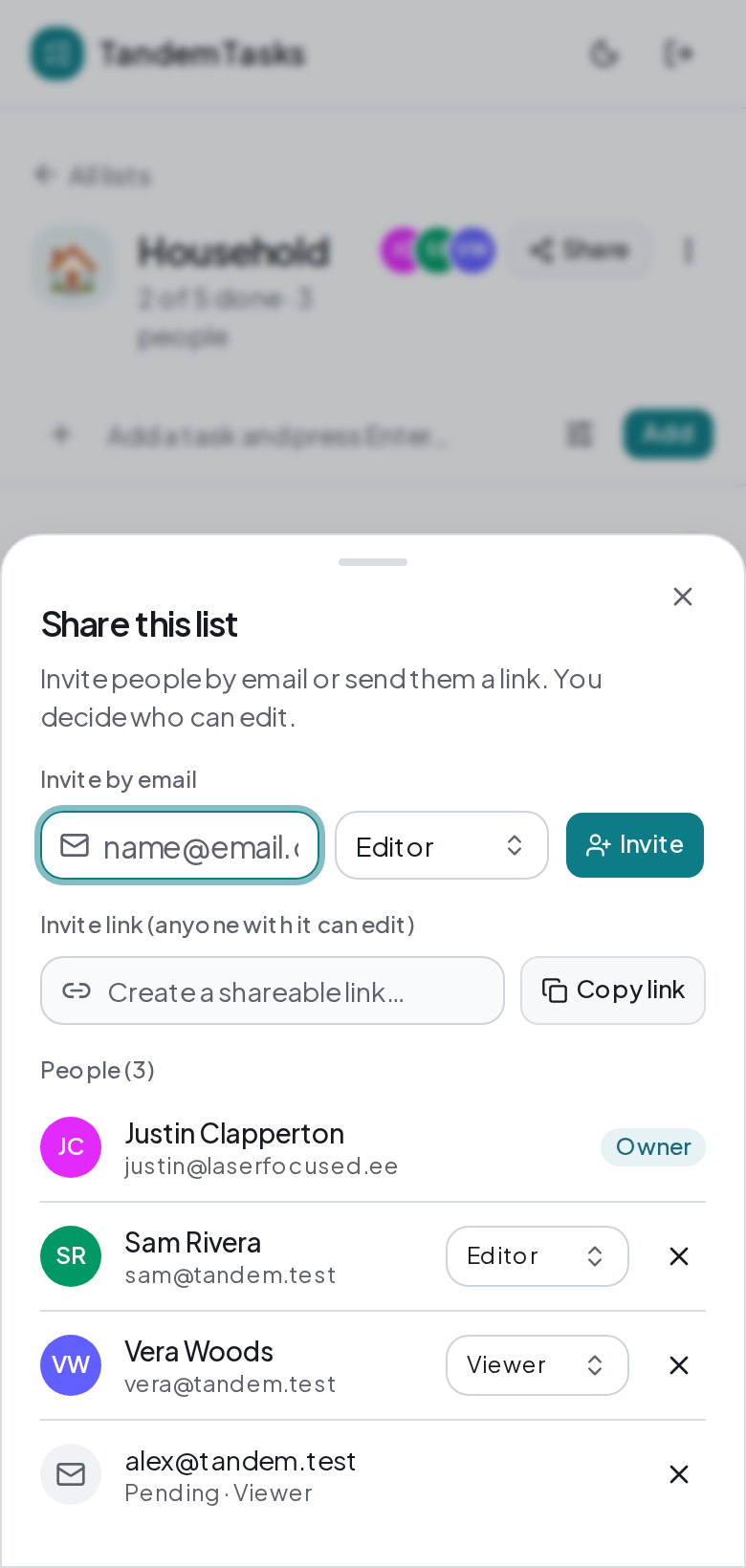
Share a list in a tap.
Invite people by email or copy a link and drop it in a text. Pick who can edit and who is just looking. The people you share with sit right on the list, never buried in a menu.
At a glance
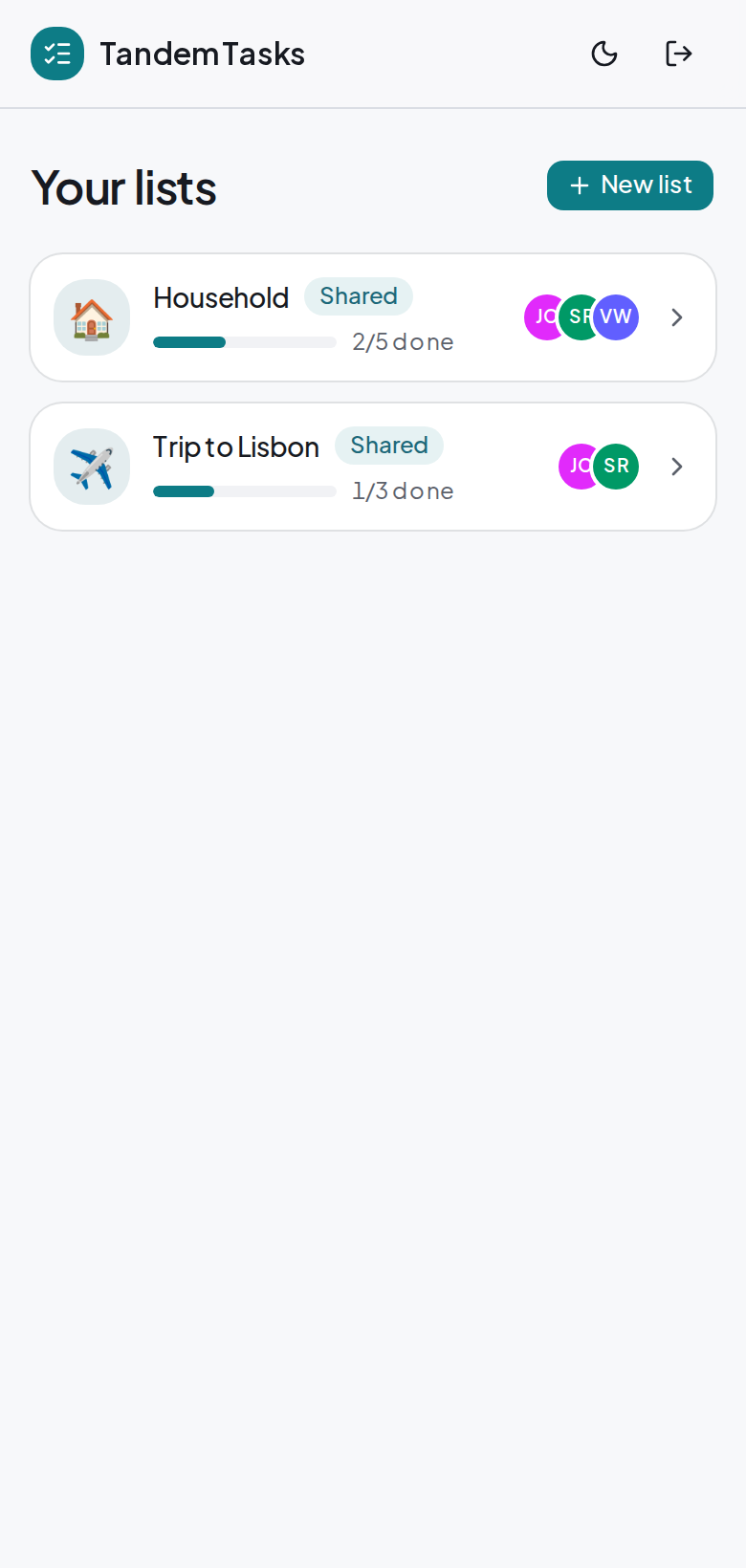
See where things stand.
Every list shows how far along you are and who is in on it, with faces you recognise stacked on the card. You know where things stand before you read a single task.
Quick add
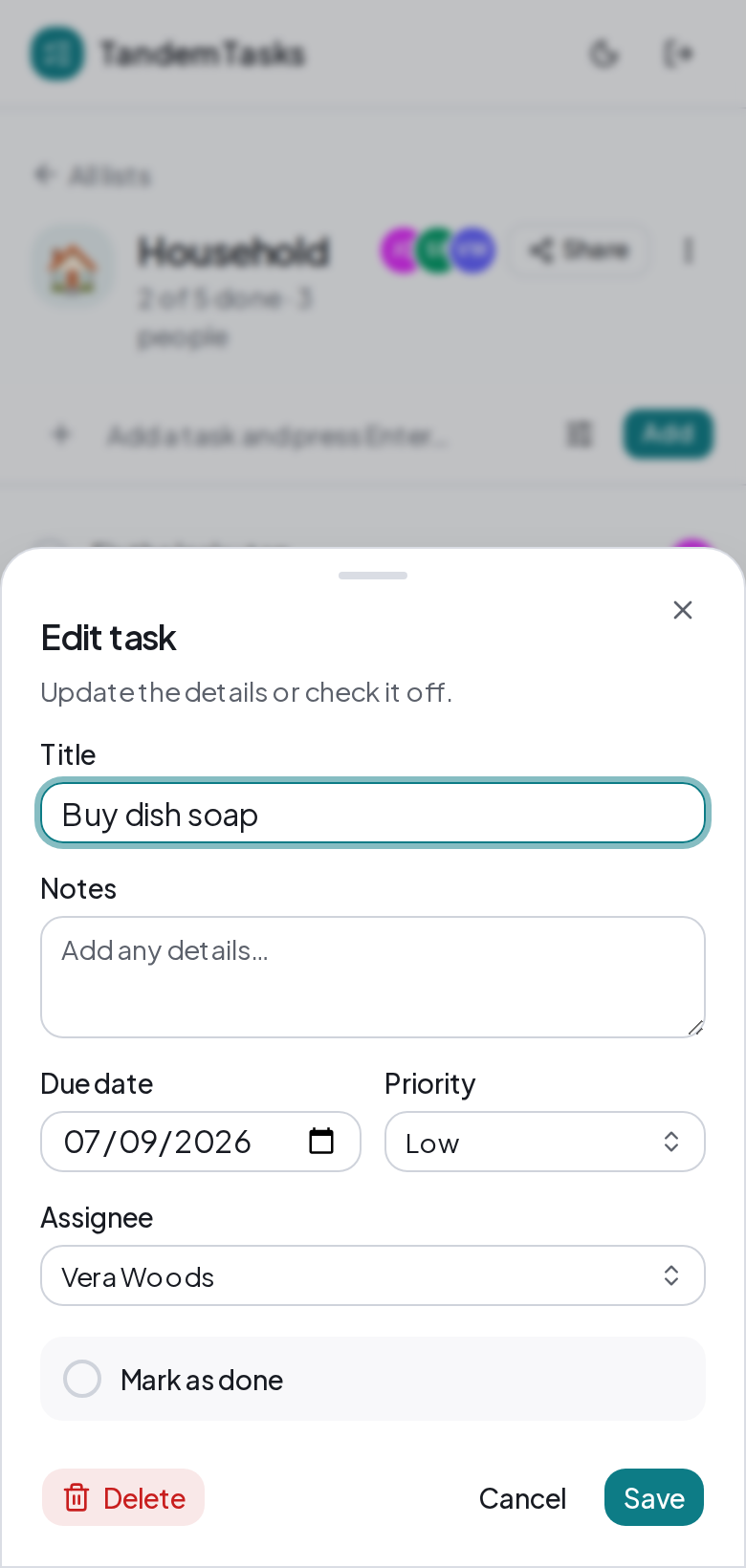
Add a task in a tap.
Type it, hit enter, done. Add a due date or hand it to someone when it matters, and leave those blank when it does not. Anything overdue turns red, so nothing slips by quietly.
Start a list you actually share.
Make one now, invite a person or two, and watch "my list" turn into "our list".
Open the app